




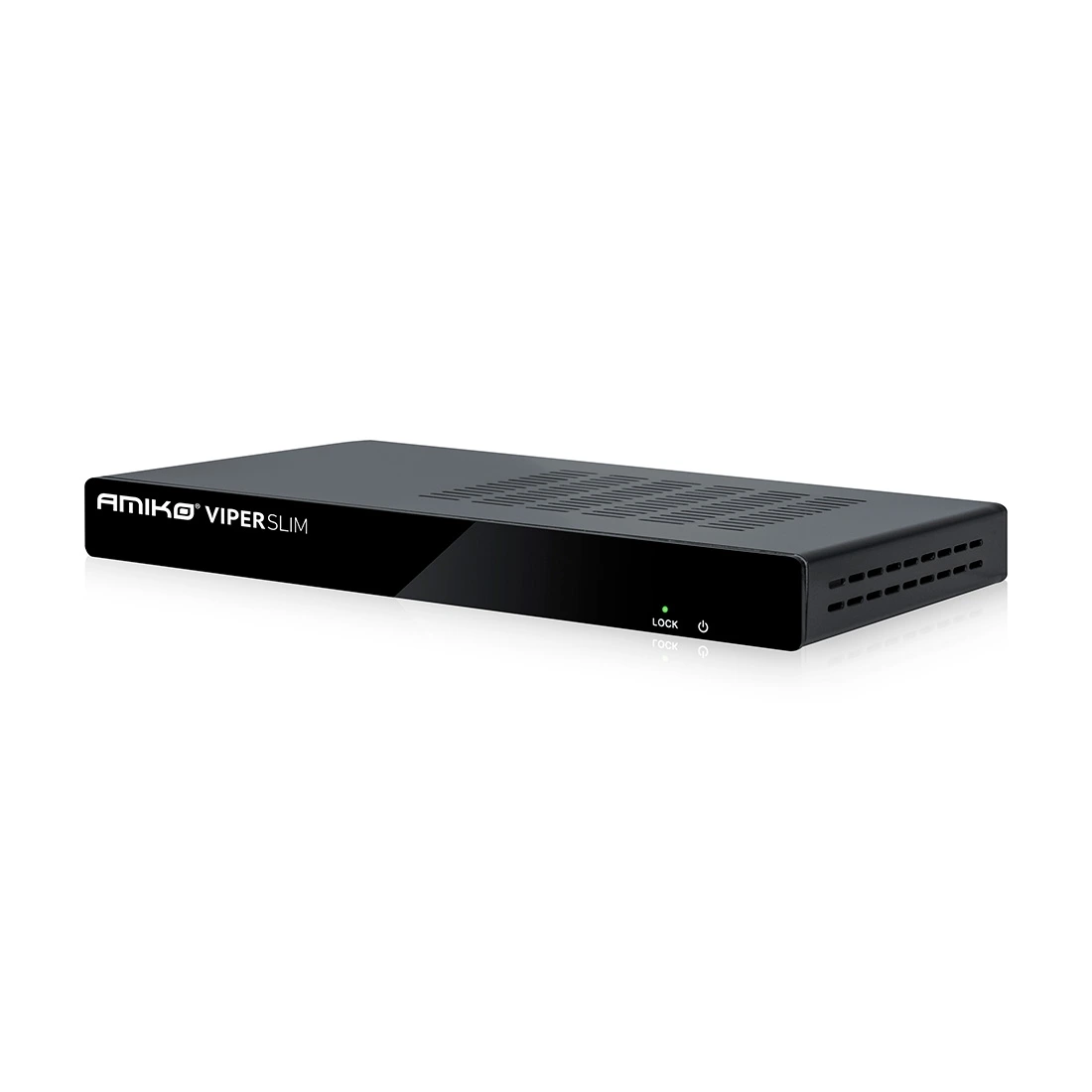

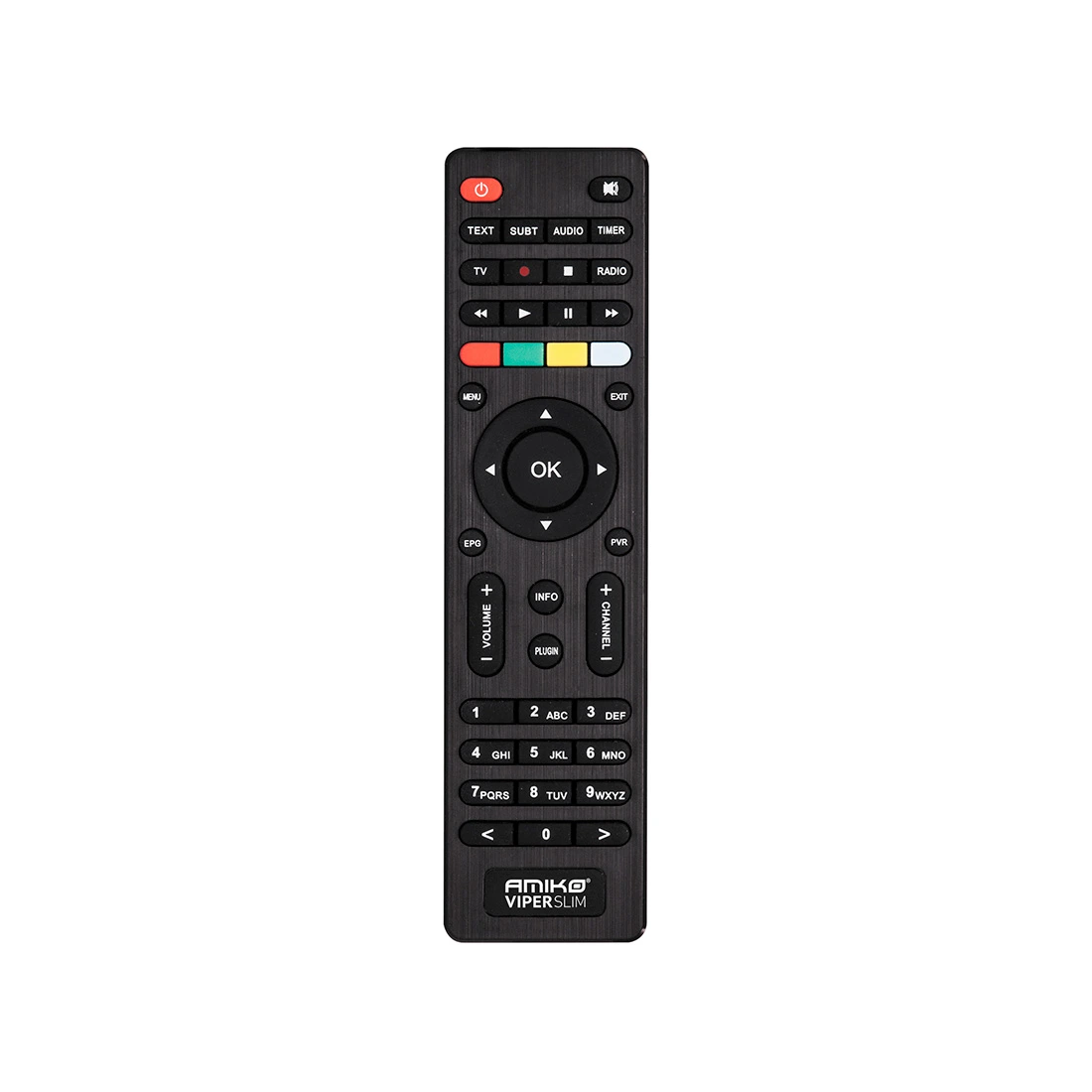

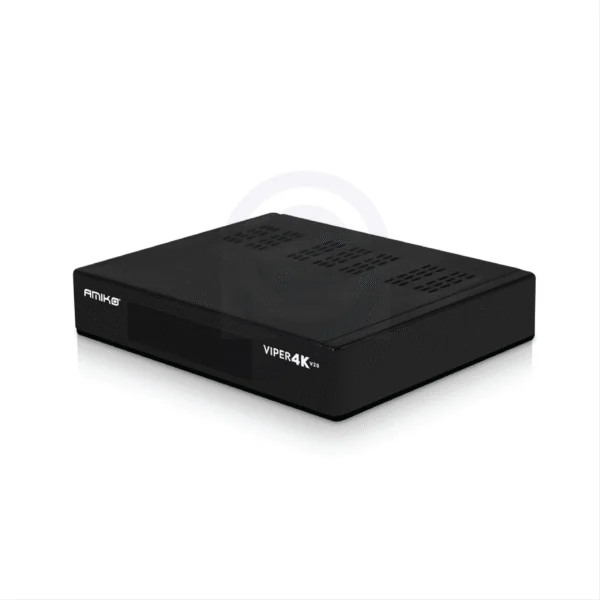
Amiko Viper Slim Sat Linux Full HD receiver
€ 59,00 Incl. VAT
The displayed price applies to this item. The Black Friday code is unavailable for this item.
A compact Enigma2 Linux receiver for DVB-S/S2 satellite reception. Use compatible software and plugins for your own setup; Android app compatibility cannot be assumed.
In stockChoose your version below
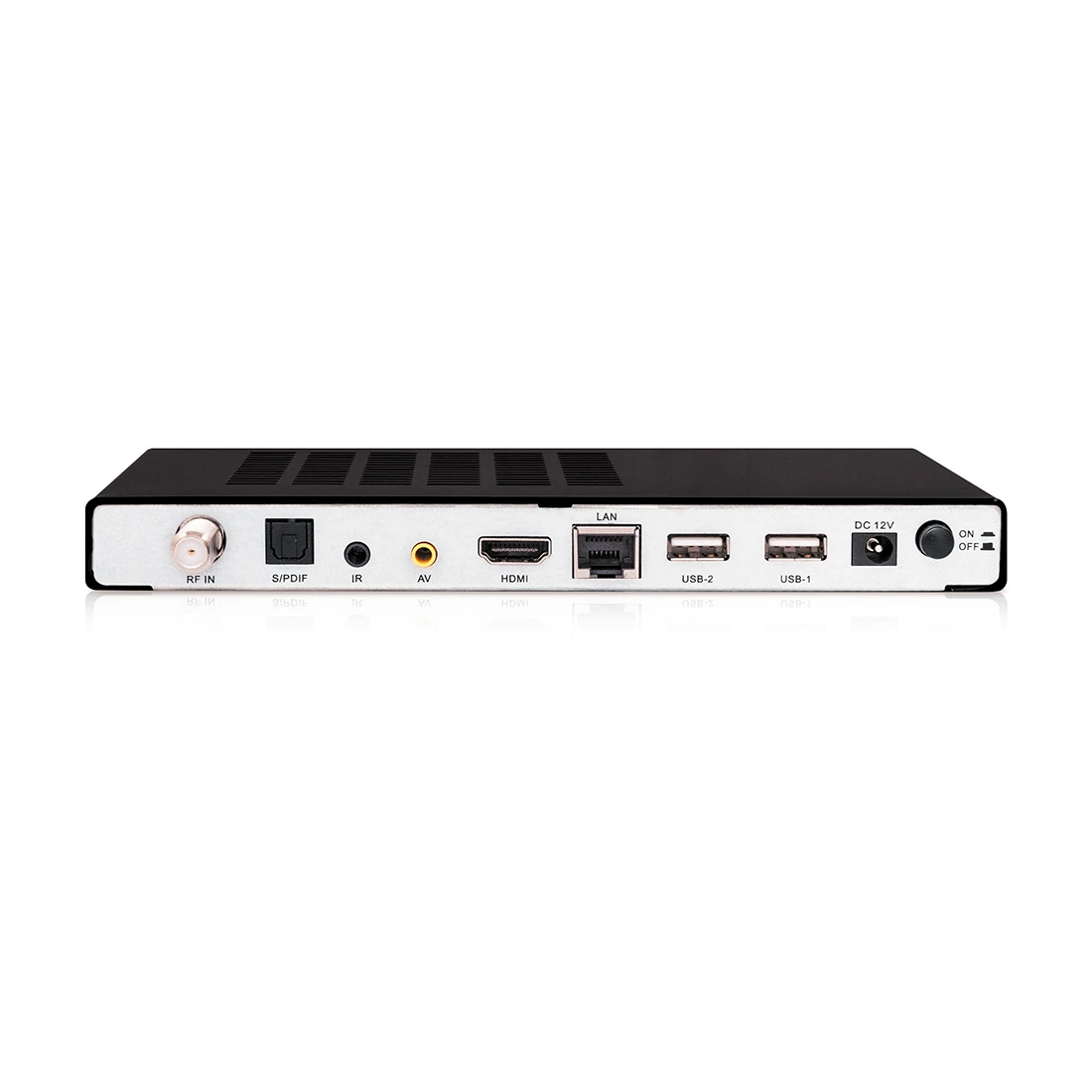
Specifications and connections
- Picture quality
- Full HD 1080p
- Remote control
- IR
- Connections
- HDMI · 2 × USB 2.0
All product details
| USB 2.0 |
2 |
|---|---|
| Voeding |
12 V DC |
| Maximum resolution |
Full HD 1080p |
| EAN | Not yet confirmed |
Picture quality · The picture also depends on your display, cable and programme or app.
Remote control · Point an infrared remote towards the receiver or its IR sensor. Pair a Bluetooth remote before first use.
Connections · HDMI carries picture and sound. Connect it to a matching input on your display.
Manual, questions and advice
We’re here after your purchase too. Visit our shop or send us a question on WhatsApp.
Choose an option to check pickup in Amsterdam.
Share
Amiko Viper Slim Sat Linux Full HD receiver
A compact Enigma2 Linux receiver for DVB-S/S2 satellite reception. Use compatible software and plugins for your own setup; Android app compatibility cannot be assumed.
Product details
- MIPS processor; 256 MB flash listed
- Full HD HDMI 1.4, 2× USB 2.0 and Ethernet
- Smartcard reader; DiSEqC and USALS support
- Recording and timeshift require suitable storage; external 12 V power
Additional information
Go to specifications and connectionsOfficial Amiko dealer in Amsterdam
Practical questions about Amiko Viper Slim Sat
Can I use Amiko Viper Slim Sat abroad?
For broadcast TV, check the signal at your destination. Check satellite footprint or the local terrestrial/cable standard as appropriate. Viewing cards and services may have regional restrictions.
Can I connect the Amiko Viper Slim Sat over Wi-Fi or should I use Ethernet?
Built-in Wi-Fi is unconfirmed for this exact version. Check the manual for integrated WLAN or a supported USB adapter.
Will Amiko Viper Slim Sat work with my TV or projector?
Connect the HDMI output to a free HDMI input on a TV or projector and select that input. For 4K, HDR or protected apps, the display, cable and any intermediate devices must support the format and required copy protection.
Why is free space lower than the box capacity?
System files, apps and content take up space. Open the storage settings of the selected drive or receiver and use its free GB. RAM is working memory and does not count as recording storage.
Customers about Electro-Sat
Excellent
4,9 out of 5
on our largest Trustpilot profile
1.020 reviews combined
Read reviews on Trustpilot ↗Combined across two profiles · as of 25 October 2026Swipe or use the arrows for more reviews.
“Bestelling en bezorging zonder gedoe geregeld. De prijs was ook heel scherp.”Read the review ↗
“Vakmanschap is meesterschap Dus hier moet je zijn voir je Sateliet ontvanger”Read the review ↗
“Prima en snelle levering”Read the review ↗
“Goede service !!”Read the review ↗
Want to know more before choosing?
Compare model specifications →Use the selection guide →Setup and troubleshooting help →Manual for Amiko Viper Slim Sat Linux Full HD receiver
Request the English PDF manual for Amiko Viper Slim Sat Linux Full HD receiver via WhatsApp.

Reviews
Clear filtersThere are no reviews yet.