


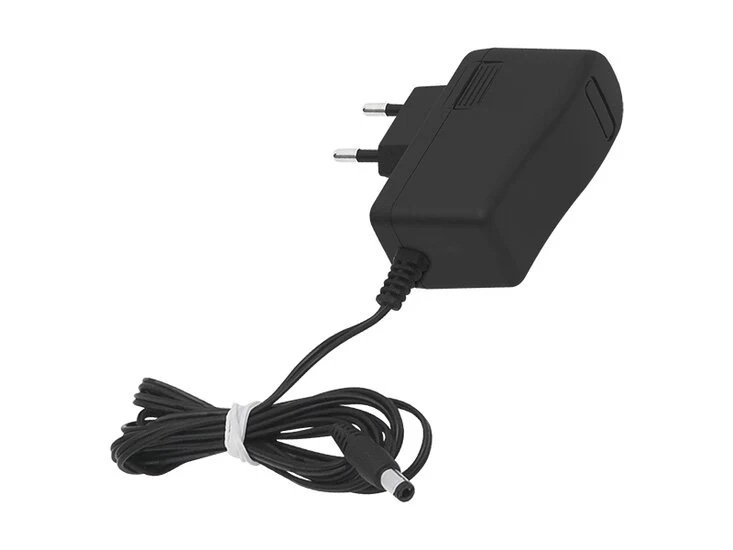

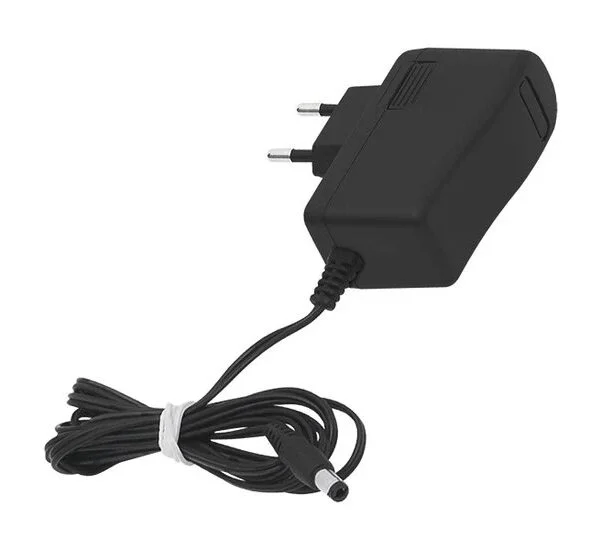
Power adapter for Xsarius 5V 2A – 5.5 × 2.5 mm
€ 12,95 Incl. VAT
In stock
In stock
Replacement 5V DC power supply for suitable Xsarius receivers and TV boxes. Check voltage, current, plug dimensions and polarity before ordering.
Also in stock at our Amsterdam store. Shipped from our own stock.
Power adapter for Xsarius 5V 2A – 5.5 × 2.5 mm
Looking for a Xsarius 5V 2A adapter to replace a worn or missing power supply? This adapter provides 5V DC and up to 2A through a 5.5 × 2.5 mm barrel connector. Use it only when all connection requirements match your device.
Which Xsarius models should you check?
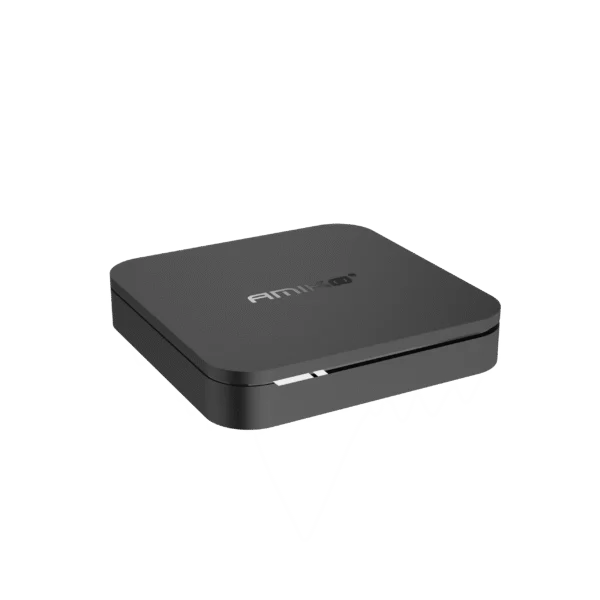
These model names help identify the correct power supply; they are not a blanket compatibility guarantee. Versions within a series can have different connectors. Your device must require 5V DC, no more than 2A, this exact plug size and matching polarity.
| Pure | Xsarius Pure 4K, Pure 2, Pure 3, Pure 3+, Pure 4, Pure 4+ |
|---|---|
| Avant | Xsarius Avant, Avant 5G, Avant 2, Avant 2+ Plus, Avant 2+ Ultra, Avant 3, Avant 3+, Avant 3+ Ultra |
| Reborn / DBOX | Xsarius Reborn, DBOX |
Have the exact Avant 4+ Ultra, Sniper or Q-series version checked first. Some versions require 12V or a different connector. The supplier specifies a thin connector for Q8 and Aimax; this 5.5 × 2.5 mm version is not a general replacement for them.
5V power adapter specifications
| Output voltage | 5V DC |
|---|---|
| Maximum output current | 2A |
| Maximum output power | 10W |
| DC connector | 5,5 × 2,5 mm |
| Polarity | Must match your device and original adapter labels |
Flashing light or black screen on your Xsarius?
A flashing LED, repeated restarts or a black screen can be caused by a failing power adapter. An HDMI cable, the TV input or the device itself may also be responsible. These symptoms alone do not prove that the adapter is faulty.
- Select the TV HDMI input that the box is physically connected to.
- Check both ends of the HDMI cable. Try another cable and HDMI port if needed.
- Check that the power connector is fully inserted and the wall socket works.
- Unplug the adapter from the wall for 30 seconds. Disconnect non-essential USB accessories, then try restarting.
- If the problem remains, have the supply checked or test with a known-good adapter with verified matching voltage, sufficient current, the correct plug and polarity.
Selecting the correct HDMI input does not confirm a power-adapter fault. If unsure, send us the exact model and clear photographs of the power label and connector before buying a replacement.
Xsarius adapter questions
Can I use 12V for a device requiring 5V?
No. The voltage must match exactly. Never connect a device requiring 5V DC to a 12V supply. A connector that fits is not sufficient.
Can a 2A adapter supply a device requiring 1.5A?
Yes, provided voltage, plug dimensions and polarity match. The device takes the current it needs. This adapter is not intended for a device requiring more than 2A.
Need help choosing the power supply?
Send your Xsarius model, the existing adapter label and connector photographs via WhatsApp. We can help check the connection before you order.
Customers about Electro-Sat
Excellent
4,9 out of 5
on our largest Trustpilot profile
1.020 reviews combined
Read reviews on Trustpilot ↗Combined across two profiles · as of 25 October 2026Swipe or use the arrows for more reviews.
“Bestelling en bezorging zonder gedoe geregeld. De prijs was ook heel scherp.”Read the review ↗
“Vakmanschap is meesterschap Dus hier moet je zijn voir je Sateliet ontvanger”Read the review ↗
“Prima en snelle levering”Read the review ↗
“Goede service !!”Read the review ↗
Reviews
Clear filtersThere are no reviews yet.